
Sales refunds
Give cash back for returned products.
Sales → Sales Refund (628 create, 629 cancel). Use a refund when the customer takes cash back; use a credit note when they keep store credit.
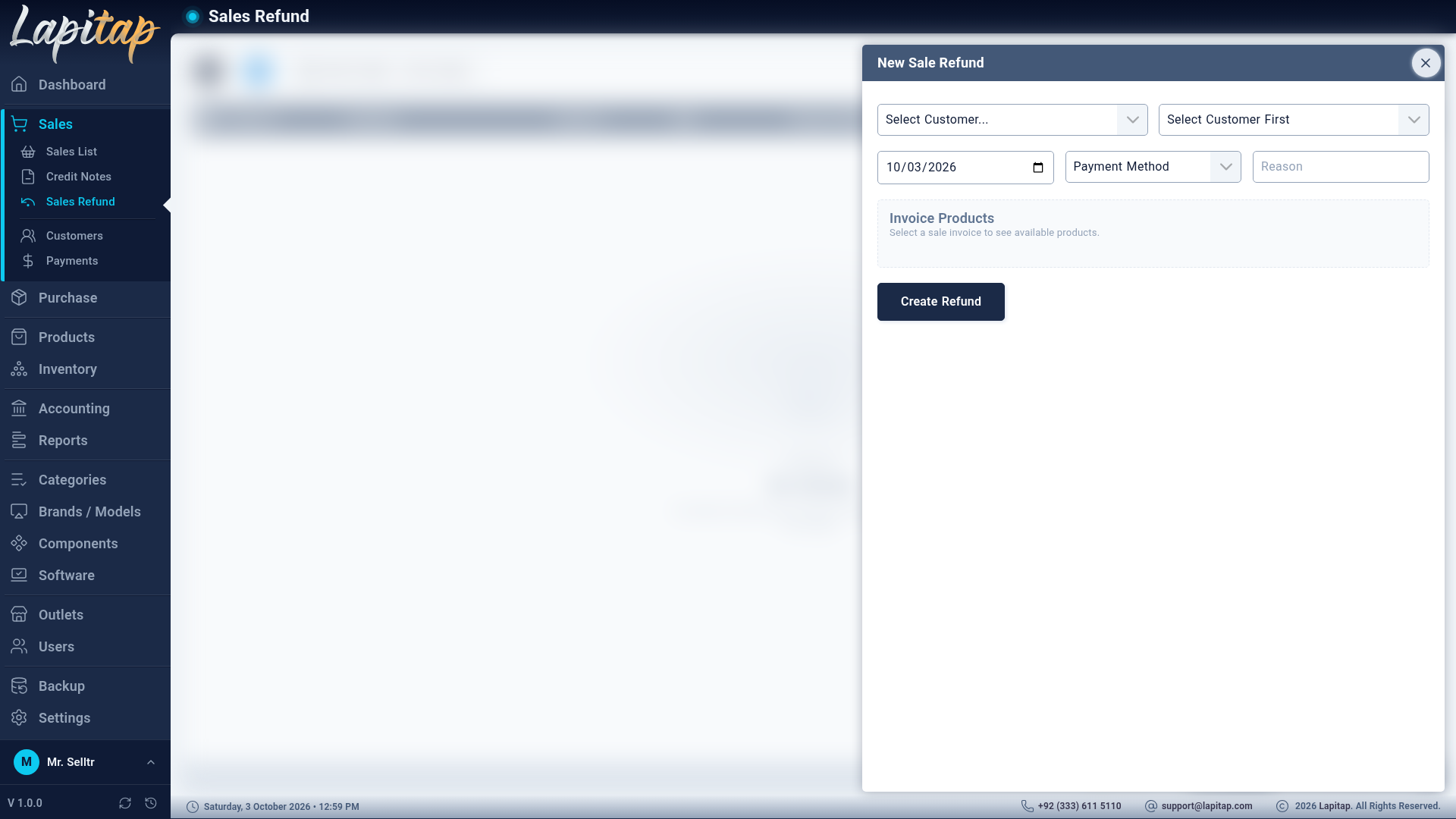
Create a refund#
- Pick the invoice — only Paid or Partial invoices (anything else: Cannot refund sale with status …).
- Choose the Payment Method the money goes back through (must be active) and the Refund Date.
- Select the products and quantities to return. Unit amount, discount and tax are fixed at their original values; only the quantity is editable, up to sold − already refunded − credit-noted.
- Enter the Reason (required).
Cash-refund math: the customer can only get back what was actually settled. maxRefundable = settled − value still held in the kept products; cashRefund = the lesser of that and the value being returned. Any excess return simply reduces the outstanding balance.
What happens#
- Laptops return to Available; parts go back to the outlet's stock.
- The invoice's refunded total and status update.
- A journal entry (Dr Sales Returns, Cr the payment method's account) is posted only if cash actually goes out.
Cancel a refund#
Cancel (Active refunds only) re-deducts the returned products from stock, reverses the journal entry, and the customer receives no money. A reason is required and it cannot be undone — make a new refund instead. If the stock is no longer there to re-deduct, cancelling fails.
The list#
Date range (default today), search by refund code / customer / invoice. Columns: code, customer, invoice, date, method, amount, reason, status.