
Taxes & tax payments
Define taxes, attach them to categories and pay them to the government.
Tax configurations#
Accounting → Taxes (660; 661 add, 662 edit, 663 delete)
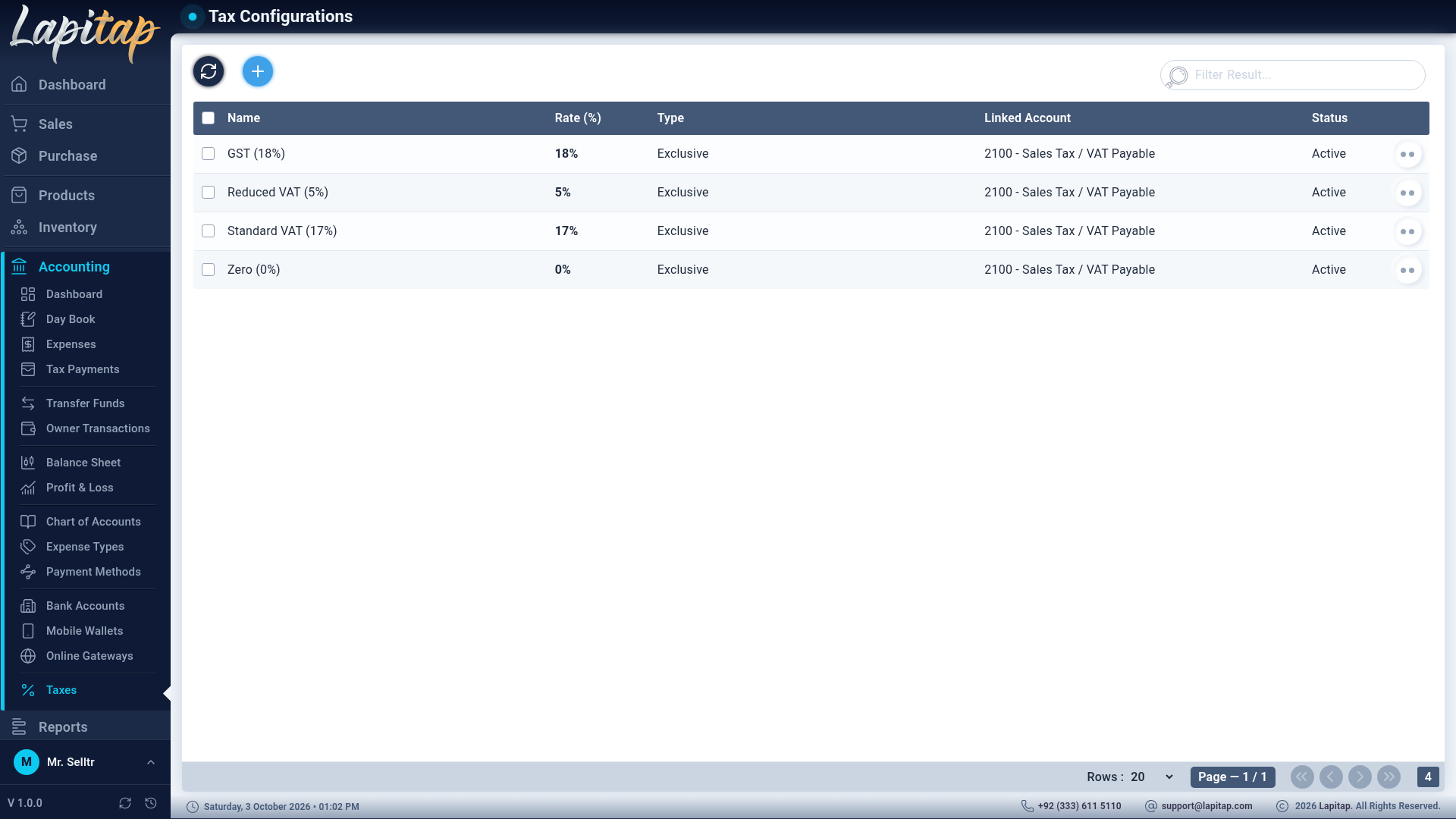
| Field | Notes |
|---|---|
| Tax Name | e.g. GST |
| Rate (%) | |
| Tax Type | Inclusive — the price already contains tax. Exclusive — tax is added on top |
| Linked Account (Liability) | Collected tax is held here (Sales Tax Payable) |
Activate or deactivate a tax from its row. Attach taxes to products by ticking them on the category. On a sale invoice the tax of a line is Sold × the combined rate; on a purchase it is derived the same way from the category's taxes.
Pay tax#
Accounting → Tax Payments (666) — record remitting collected tax from Sales Tax Payable (2100).
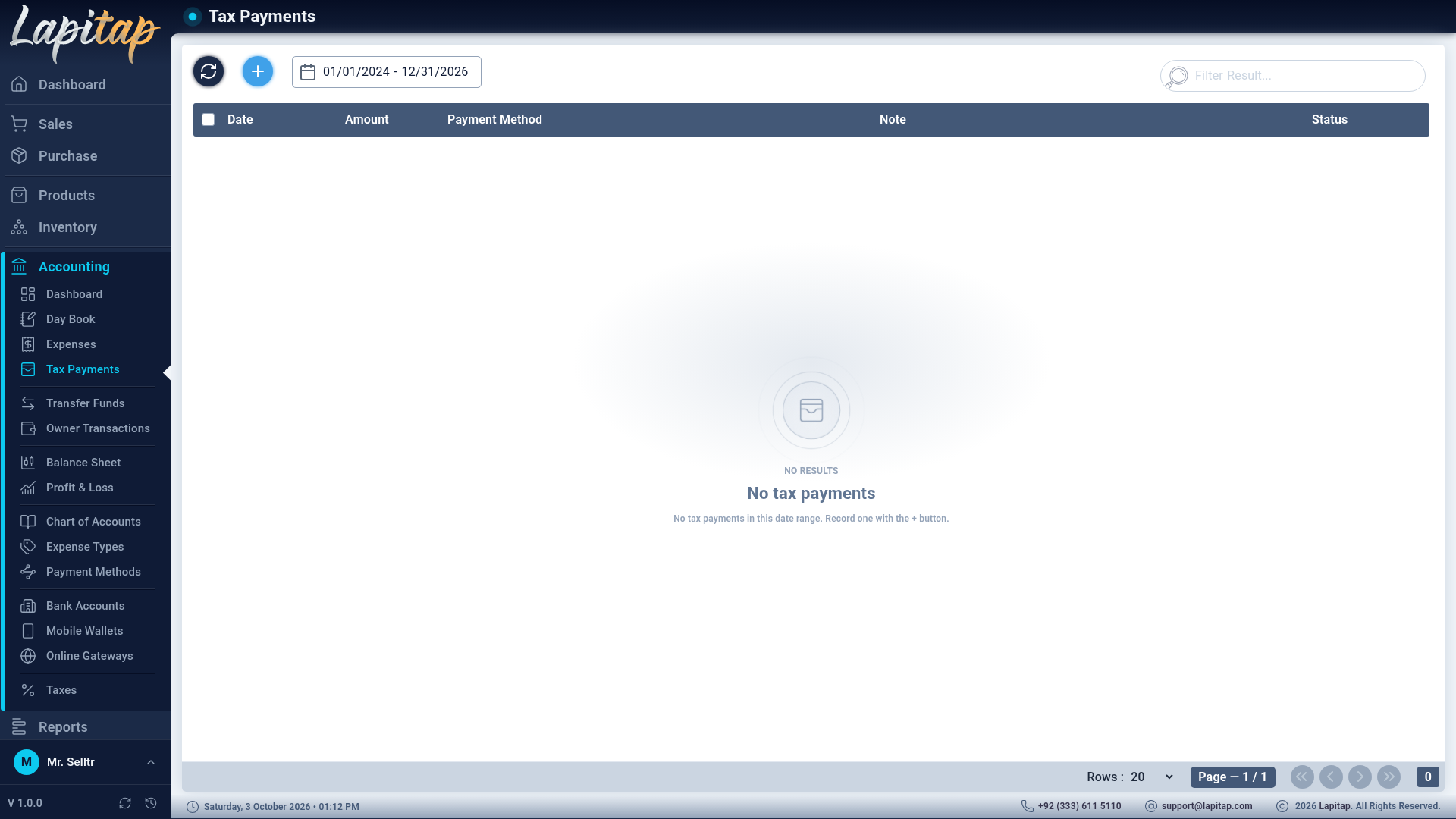
| Field | Notes |
|---|---|
| Amount (PKR) | > 0 |
| Payment Date | |
| Paid Via | Payment method required |
| Note / Reference | Optional |
Cash / Card payments are Cleared at once; others start Pending and need Verify. Same actions as fund transfers: Verify, Bounce, Cancel, Delete (Pending only). The ledger entry is Dr Sales Tax Payable, Cr the method's account.
The Tax Summary report shows Tax Collected (sales), Tax Paid and Net Payable; Tax Payments lists the remittances.