
v1 Atlas/Purchasing
Purchase payments
Pay vendors, and verify, bounce, cancel or reactivate payments.
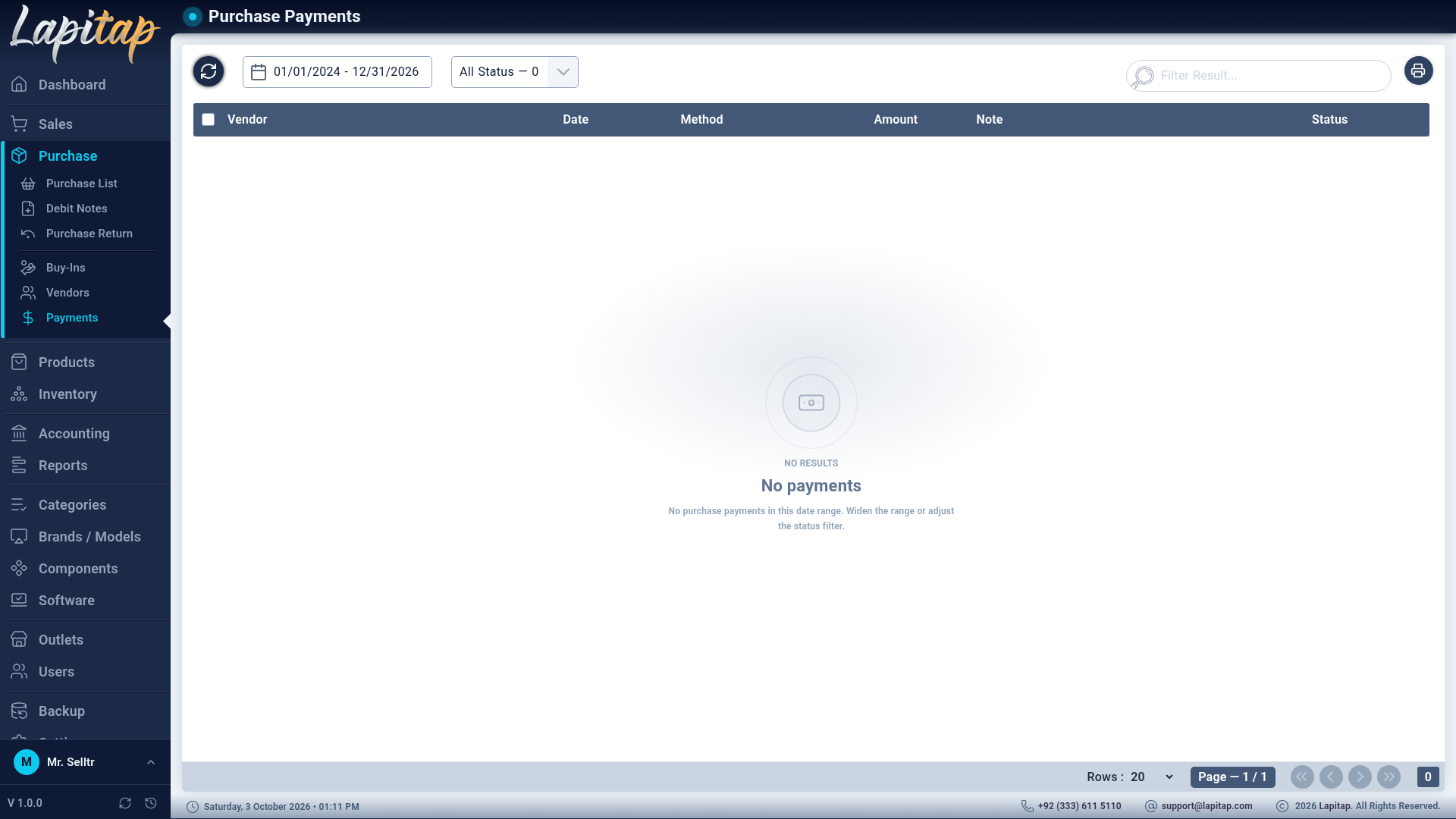
On a Pending or Partial purchase choose Make Payment (permission 164 shows the button; Purchase → Payments lists them, 611 to create there).
| Part | How it works |
|---|---|
| Payment Method + Amount | One line per method; add more lines to split |
| Apply debit notes | Use the vendor's available debit notes as part of the payment |
Same rules as customer payments: amounts > 0, at least one line, cash + applied notes cannot exceed the balance (Payment exceeds balance. Max: …), and the payment must belong to the invoice's vendor.
Lifecycle#
Identical to customer payments:
| Action | Permission | Effect |
|---|---|---|
| Verify | 615 | Pending → Cleared; posts the entry |
| Bounce | 616 | Reverses the entry, restores debit-note credit; reason required |
| Cancel | 617 | Voids a mistaken payment; reason required |
| Reactivate | 615 | Bounced → Pending |
| Delete | 613 | Only never-cleared payments |
Cash and Card methods clear at once; other types wait for Verify. Each cleared payment debits Accounts Payable and credits the method's account. The list has date range, status tabs with counts, search, and a print.