
Outlets & branding
Branches, the Warehouse, and the business identity printed on documents.
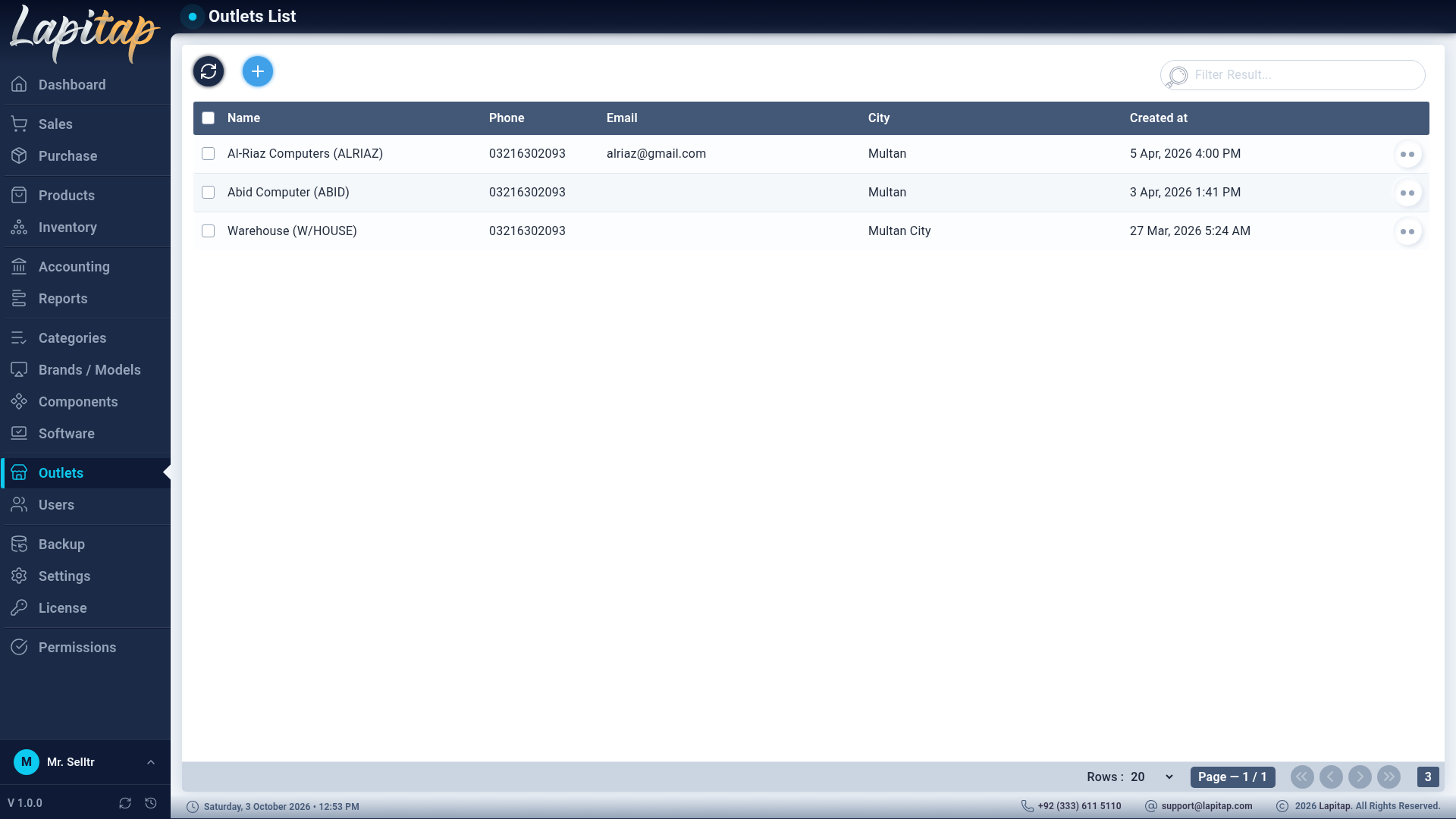
An outlet is a place that holds stock and makes sales. Users are assigned to one; their lists and reports are limited to it.
IMPORTANT
Keep an outlet named Warehouse. New laptops and received parts land there first, and sales pull any shortfall from it before other branches. Name matching is case-insensitive.
Add or edit an outlet#
Outlets → +
| Field | Rules |
|---|---|
| Name | Required |
| Code | Required. Becomes the prefix of that outlet's invoice numbers (<code>-<yymmdd>-<nnn>) |
| Phone | Required, exactly 11 digits |
| Email, Address | Optional contact details |
| City | Required |
Row icons: Edit, Branding, Delete. Select several rows to delete them together.
Branding#
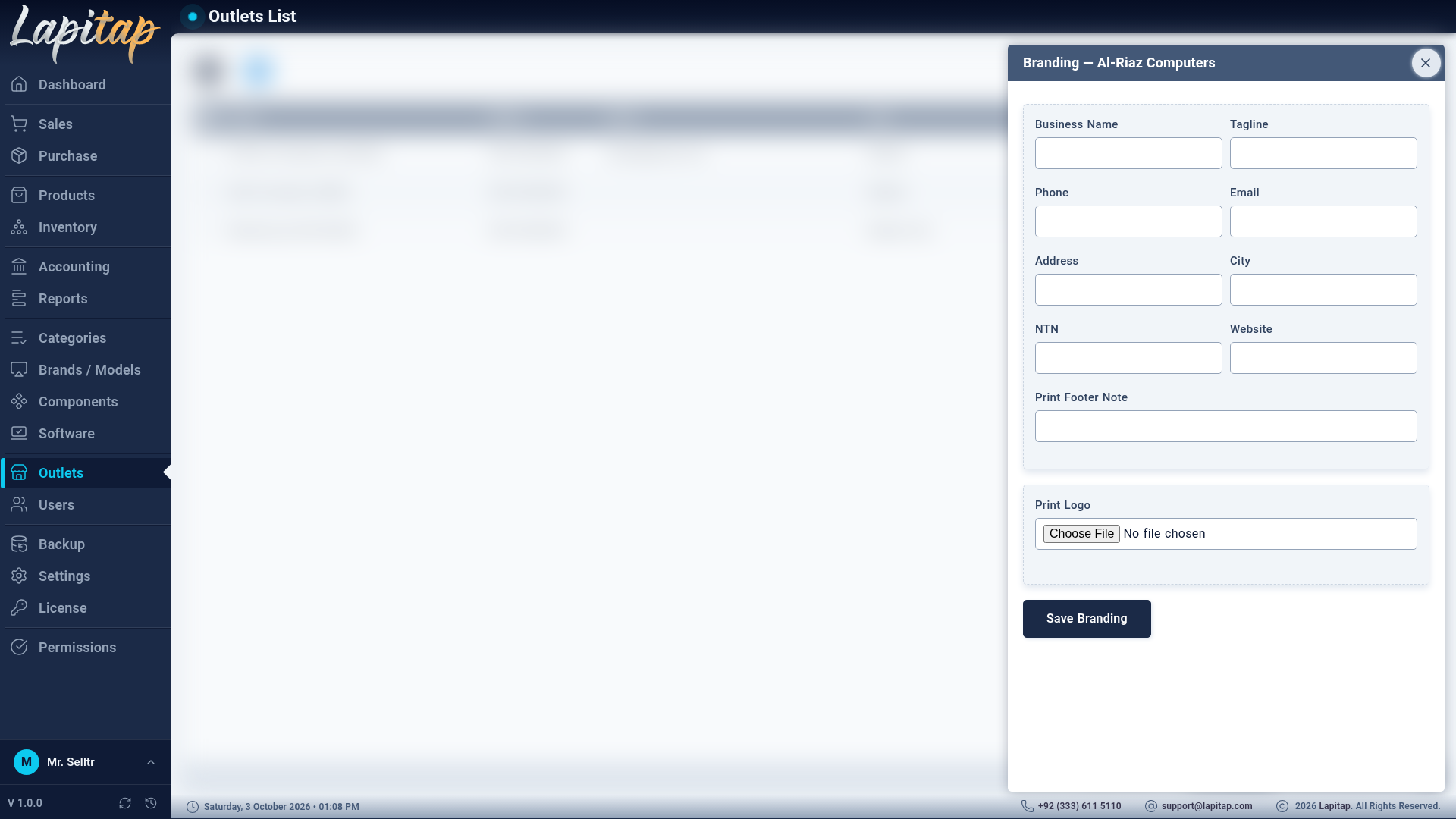
Branding opens a separate form per outlet. It is used only on printed documents — invoices, vouchers and reports (see Printing); the app itself always shows the Lapitap logo and name. Permission 342 (the same as editing outlets).
| Field | Printed as |
|---|---|
| Business Name (required) | Heading |
| Tagline | Under the heading |
| Address, City, Phone, Email, Website | Contact block |
| NTN | Tax registration number |
| Print Footer Note | Bottom of every document (terms, thanks, warranty policy) |
| Print Logo | Logo on the print header |
NOTE
Sale invoices print the branding of the sale's outlet.