
v1 Atlas/Administration
Settings (e-mail)
Configure the Gmail SMTP account used for password resets and backup copies.
Settings (permission 380; 381 create · 382 update) holds the Gmail SMTP configuration. Branding no longer lives here — it is per outlet.
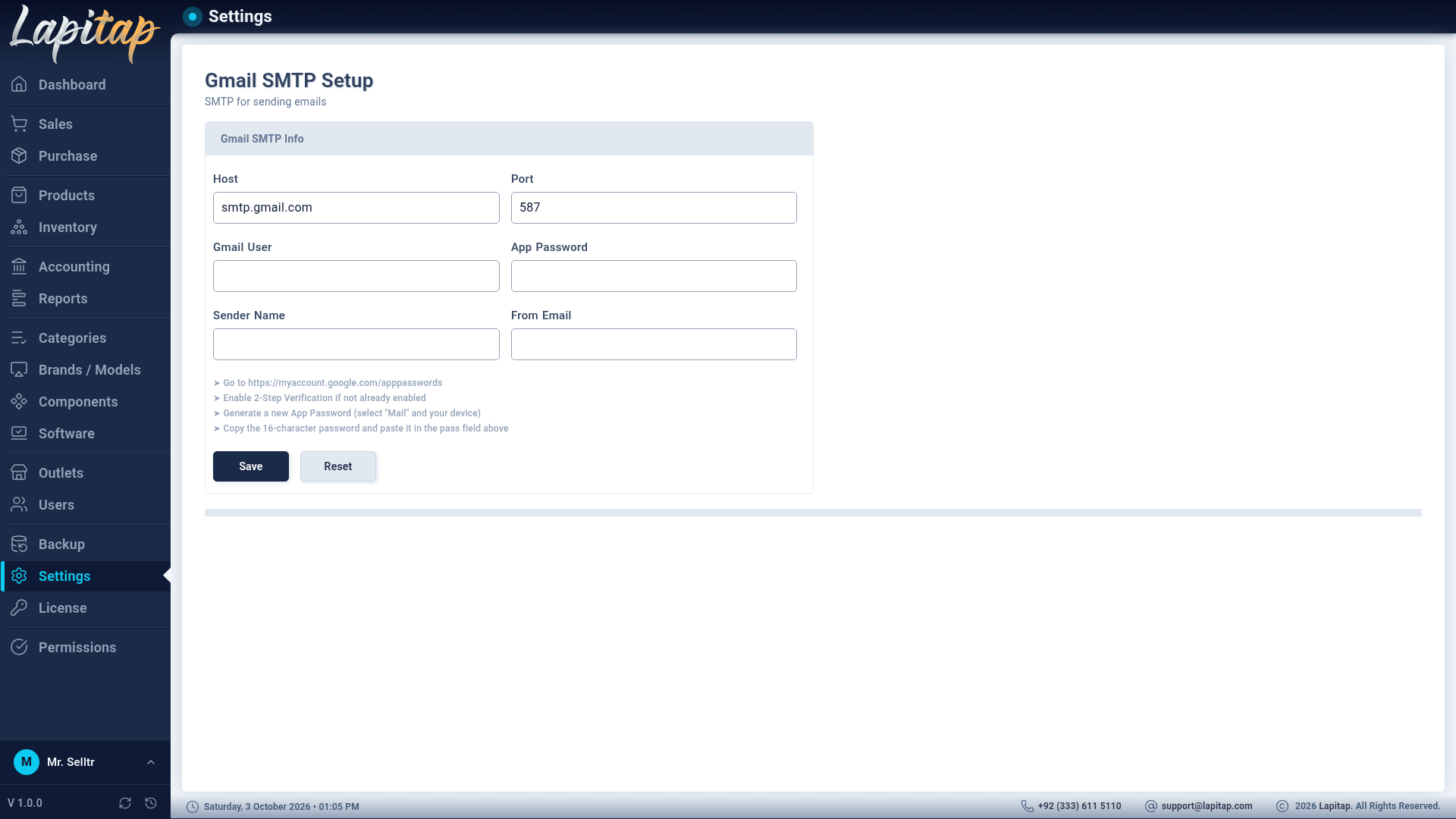
| Field | Notes |
|---|---|
| Host | e.g. smtp.gmail.com |
| Port | e.g. 465 or 587 |
| Gmail User | The sending mailbox |
| App Password | A Google app password, not the account password |
| Sender Name | Display name |
| From Email | Address shown to recipients |
The first save creates the setting; later saves update it. The stored password is masked on every read, so it is never shown again — leave the field untouched to keep it.
E-mail is used for password-reset links and optional e-mailed backup copies.
WARNING
Use a dedicated mailbox. The password is stored in the database, and anyone with Settings access can replace it.