
v1 Atlas/Inventory
Scan stock (stock take)
Verify an outlet's physical stock with a barcode scanner.
Products → Scan Stock is the stock-take screen.
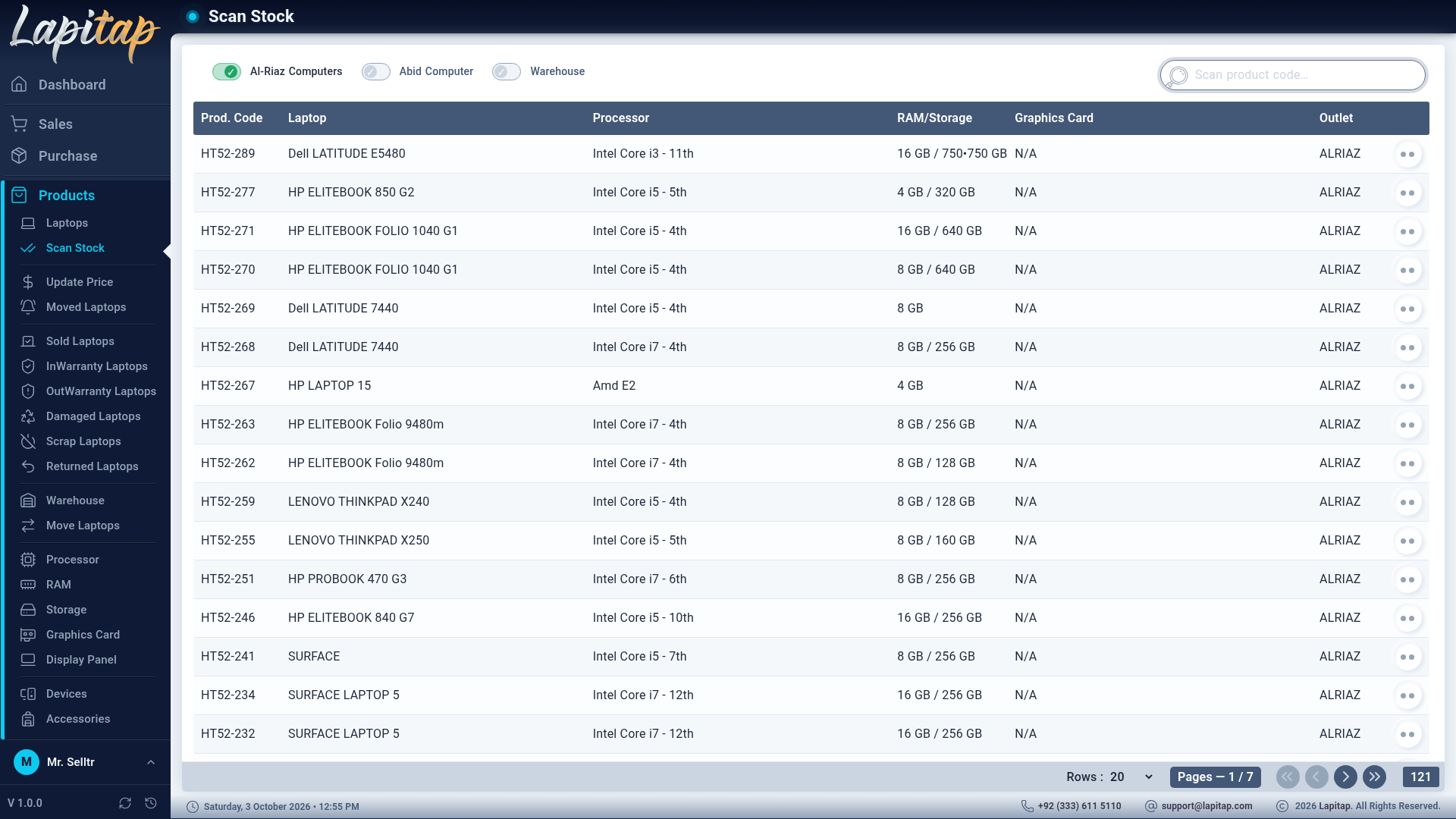
- Choose the outlet with the radio buttons (limited to outlets you may access).
- The list shows that outlet's laptops. Sold, Reserved, Moved, Returned and Out Warranty laptops are excluded — they should not be on the shelf. If nothing is left the page says This outlet has no scanable laptops right now.
- Scan each laptop's Product ID. The row is highlighted and moved to the bottom, and the scanned counter (shown at the bottom as selected / total) goes up.
- Rows still at the top are not found. Check the shelf, then fix the record (status, outlet) or investigate.
Scanning only marks rows on screen for this session; it changes no data.