
v1 Atlas/Inventory
Moving stock between outlets
Transfer laptops and parts, and receive them at the other end.
Laptops#
Send#
Products → Move Laptops (permission 204)
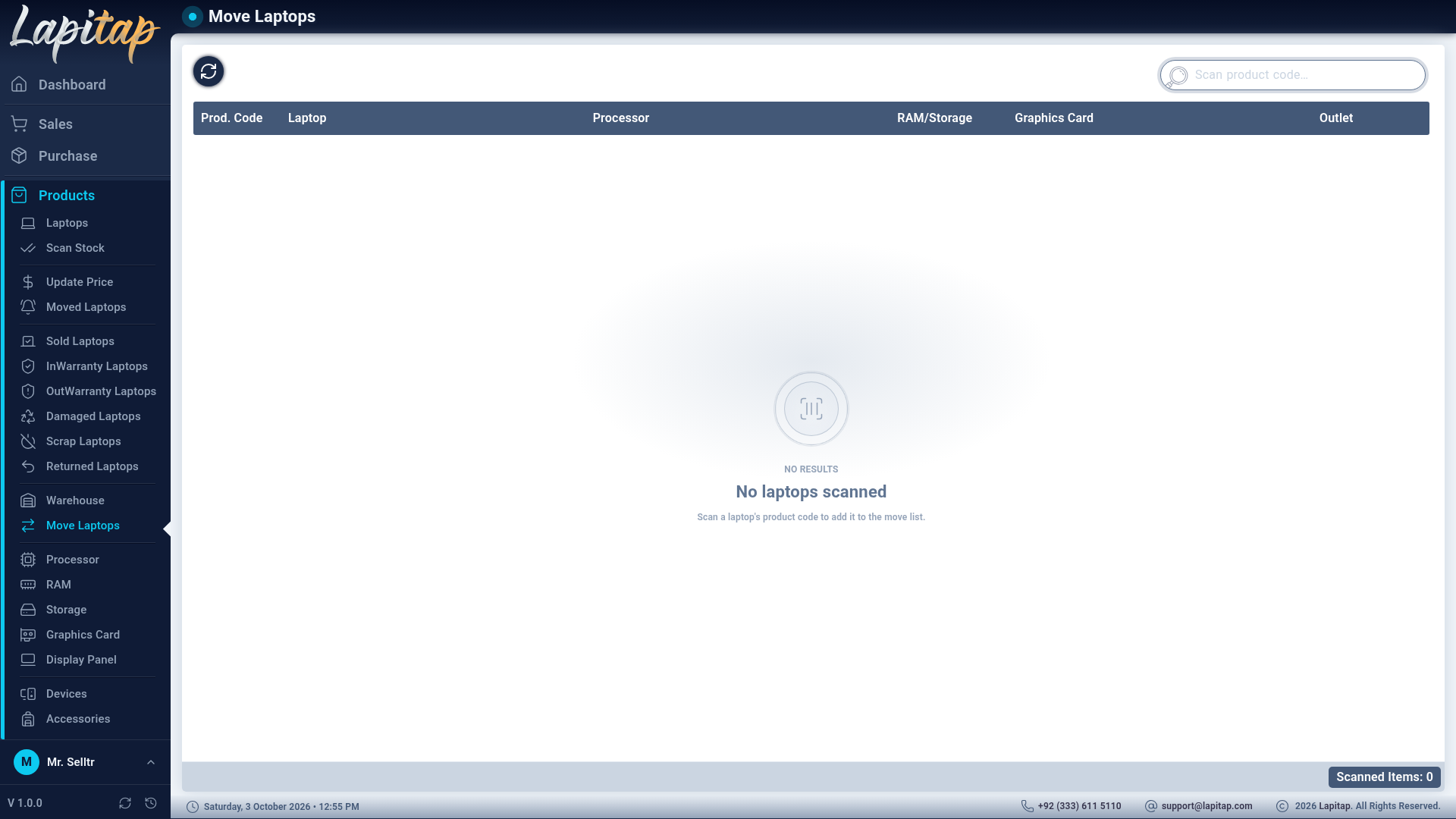
- Scan each laptop's Product ID. Scanned rows pile up in the list. (Scan a laptop's product code to add it to the move list is the empty-state hint.)
- Under Select Outlet to Move, choose the destination.
- Confirm. Every scanned laptop gets the status Moved and the destination outlet. If none of the scanned laptops can move you are told No movable laptops found.
Receive#
At the destination, Products → Moved Laptops lists laptops with status Moved for your outlet (No laptops have been moved to your outlet yet when empty). Scan a laptop and, in the scanned-products panel:
- Received Product → status Available, or
- Cancel → status Ready (the move is called off).
Parts, devices and accessories#
Quantity items move from the Inventory page — see Parts, devices & accessories. Quantities are checked first: you cannot move more than the source outlet holds.
The Outlet Moves report lists everything currently in transit.