
v1 Atlas/Accounting
Expenses & expense types
Record operating expenses, advance them Pending → Posted → Cleared, and set up expense types.
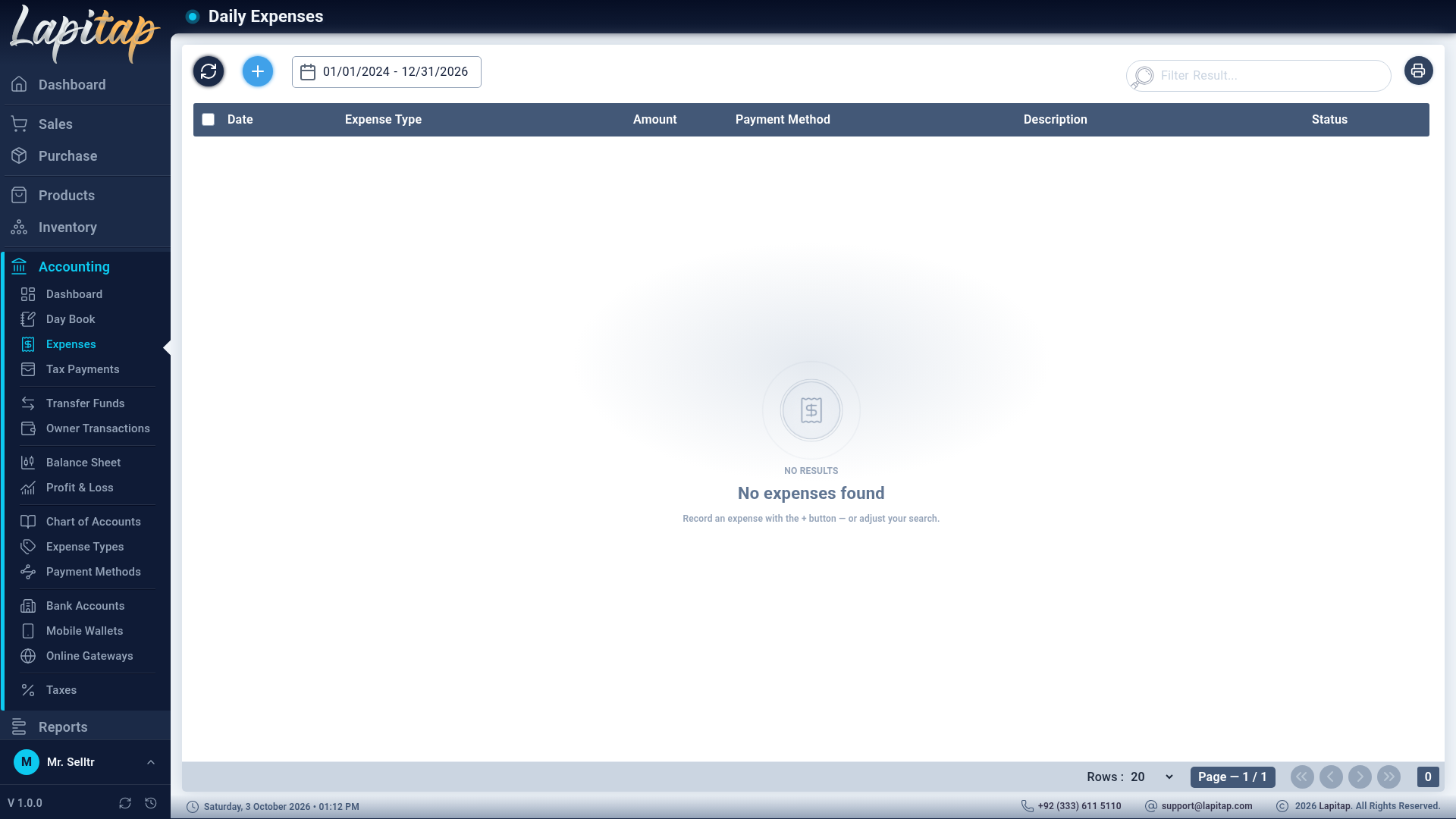
Accounting → Expenses (daily expenses; 630 area).
Add an expense#
+ (631):
| Field | Notes |
|---|---|
| Expense Type | Decides the expense account |
| Amount, Expense Date | |
| Payment Method | Where the money came from |
| Description | |
| Upload Receipt | PDF or image |
The expense is posted to the ledger immediately (Dr the type's account, Cr the payment method's account), so it shows in the Day Book right away.
Status#
| Status | Meaning | Actions |
|---|---|---|
| Pending | Entered | Edit (632), Delete (633), Post (634) |
| Posted | Approved | Clear (635) |
| Cleared | Settled — terminal | Nothing: cleared expenses cannot be edited, deleted or reset |
Editing reverses the old ledger entry and posts a fresh one.
The list#
Date range (default today), search by description or type, bulk delete (Pending only), Print with a total.
Expense types#
Accounting → Expense Types (680; 681 add, 682 edit, 683 delete)
| Field | Notes |
|---|---|
| Expense Type Name, Expense Type Code | e.g. Rent, Electricity |
| Linked Account (Expense) | Only Expense-type accounts are offered |
Each type can be activated / deactivated or deleted. Types appear in the Profit & Loss breakdown.