
Fund transfers & owner transactions
Move money between your own accounts and record owner capital and drawings.
Both follow the same approval pattern: created Pending, then Verify posts the ledger entry.
Fund transfers#
Accounting → Transfer Funds (695) — move money between your own payment-method accounts: Cash → Bank, Bank A → Bank B, wallet → cash…
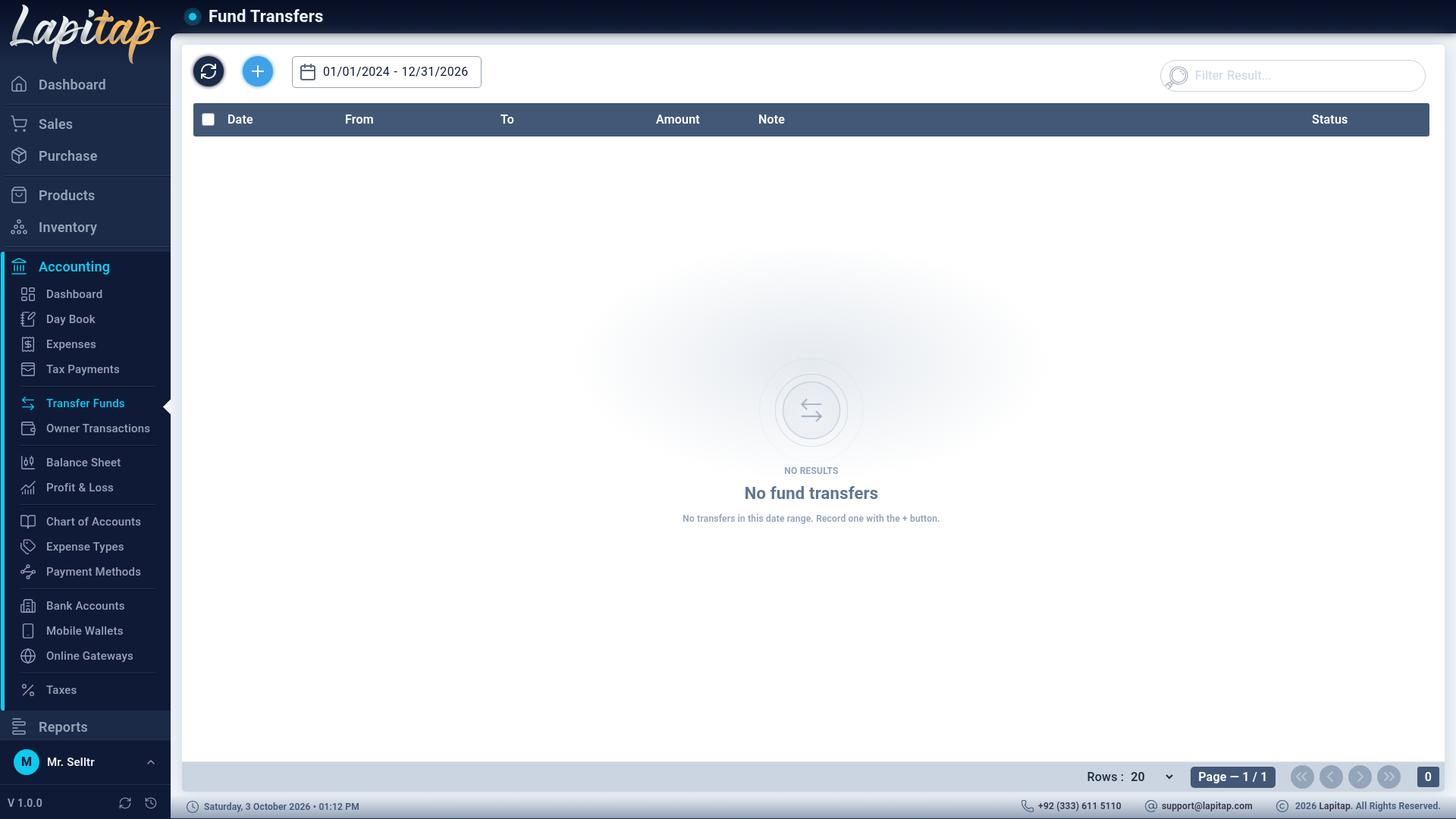
| Field | Rule |
|---|---|
| From Account, To Account | Payment-method accounts; cannot be the same |
| Amount (PKR) | Greater than zero |
| Transfer Date | Required |
| Note / Reference | Optional |
| Status | Actions |
|---|---|
| Pending | Verify (→ Cleared, posts Dr destination / Cr source), Cancel, Bounce, Delete |
| Cleared | Bounce or Cancel (reverses the entry) |
| Bounced / Cancelled | Final |
Only Pending (never-posted) transfers can be deleted; otherwise cancel or bounce. A transfer changes balances only — it is neither income nor expense.
Owner transactions#
Accounting → Owner Transactions (690 view · 691 add · 692 edit · 693 delete · 694 verify / bounce / cancel).
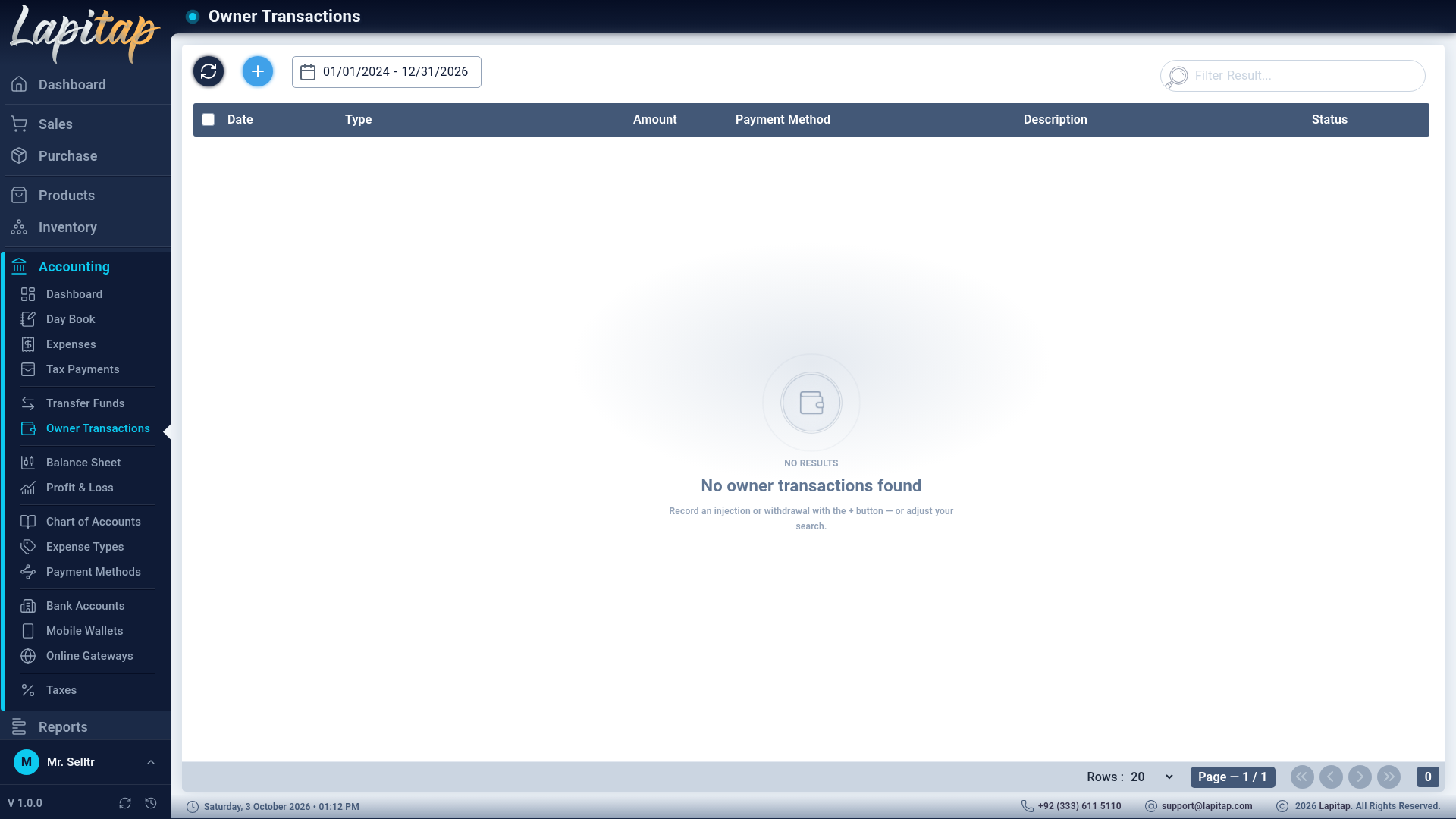
| Field | Notes |
|---|---|
| Transaction Type | Injection (owner invests → Capital 3000) or Withdrawal (owner takes out → Drawings 3200) |
| Account (Auto-selected) | The equity account follows the type |
| Amount | > 0 |
| Transaction Date, Payment Method | Required |
| Description, Reference | Optional |
Created Pending; Verify posts the entry and marks it Cleared; Bounce / Cancel reverse it. Only Pending ones can be edited or deleted. Money in is shown green, money out red. Equity moves on the Balance Sheet, not in Profit & Loss.
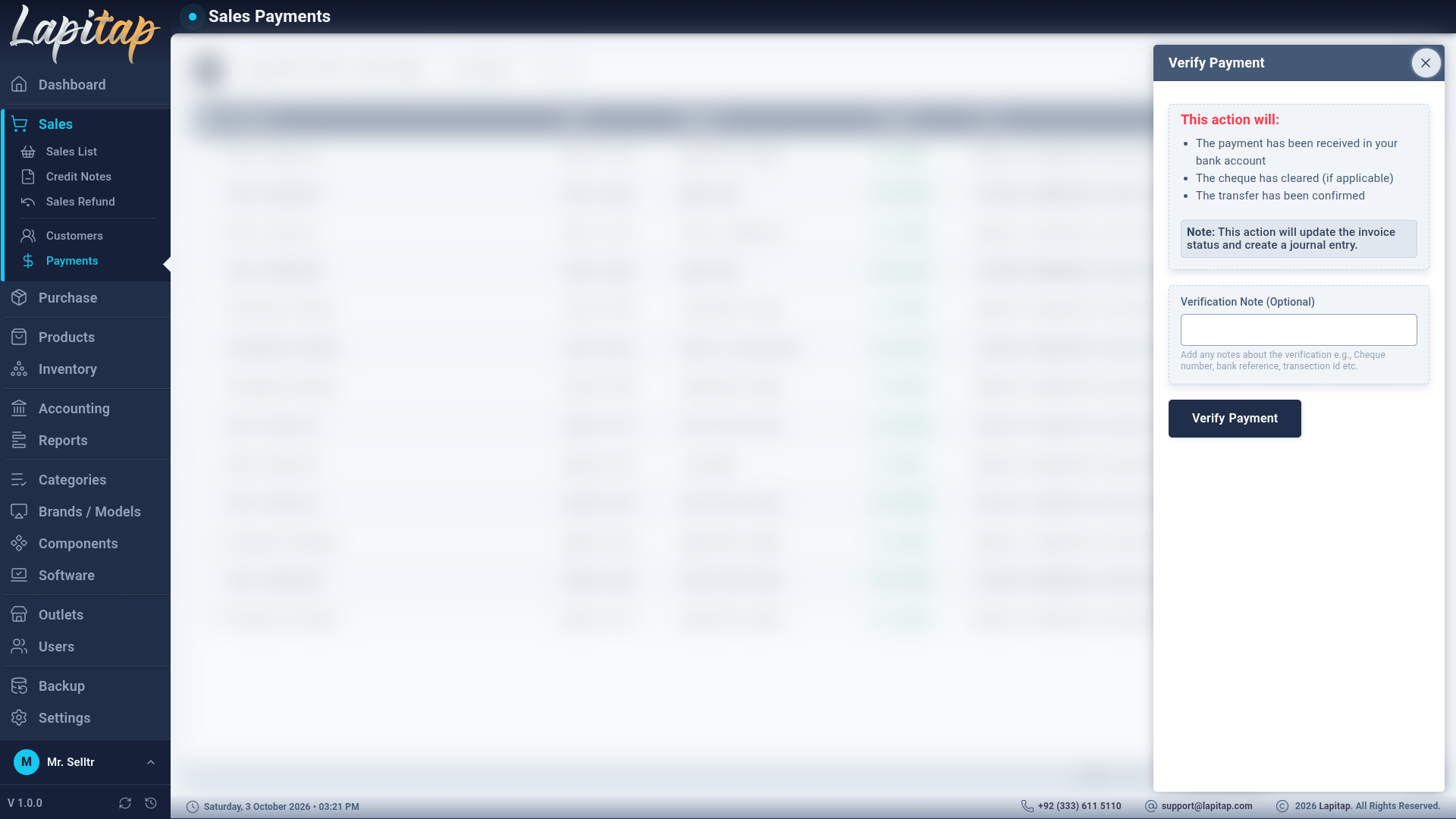
Verify, bounce, cancel pop-ups#
These three actions open the same pop-up used by customer and vendor payments: Verify takes an optional note (cheque number, bank reference); Bounce and Cancel require a reason. Bounce is for a failed cheque or transfer; Cancel is for an entry made by mistake.