
Licence
Activate and renew the licence; what the footer notices mean and what happens when it lapses.
License (super-admin, 999) is placed after Settings in the sidebar so it can be opened when renewing.
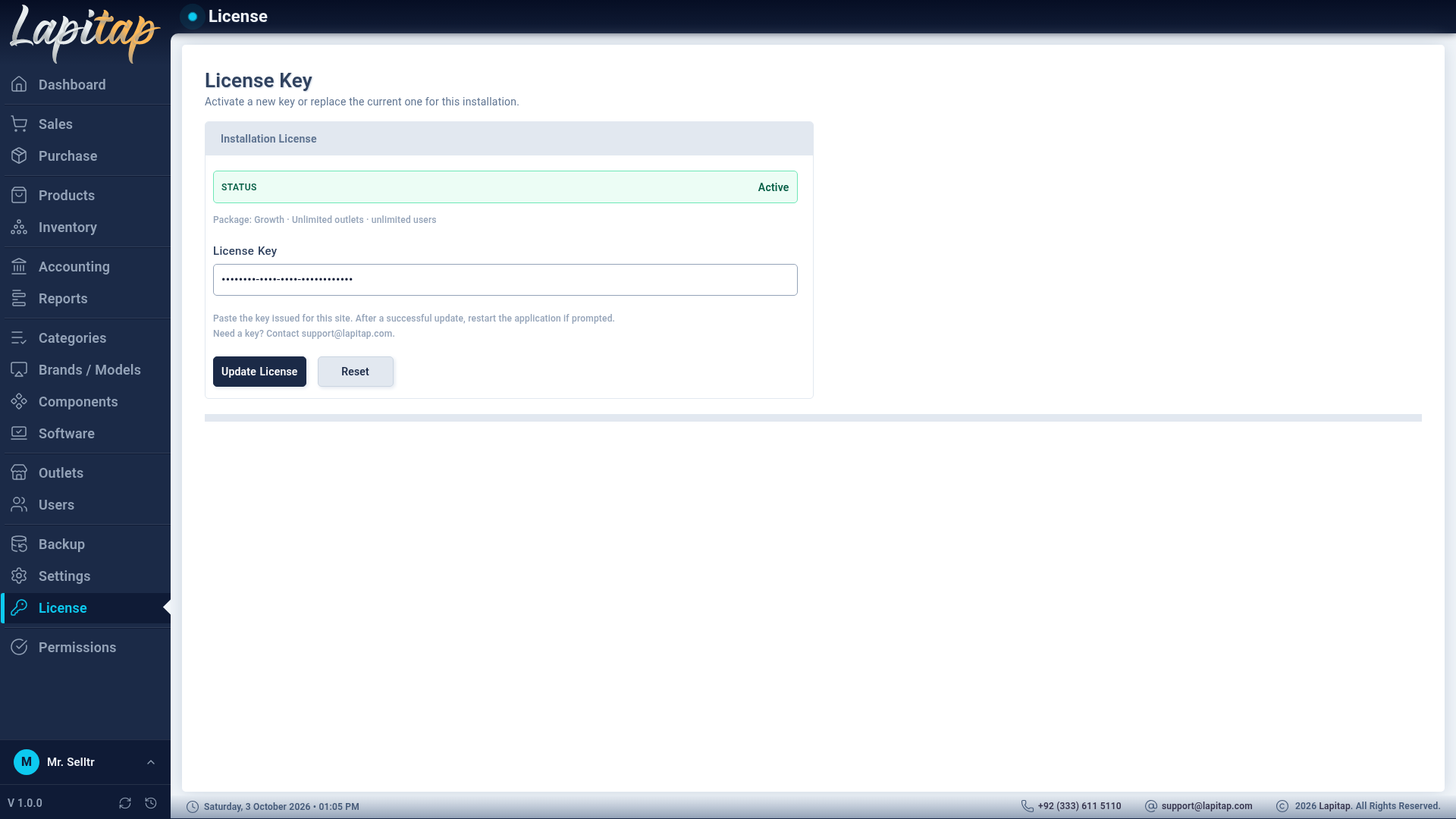
Activate or renew#
Enter your License Key and submit. Activation is the same for first-time use and for renewals or replacements. The installation contacts the Lapitap licence service, and the signed result is stored on the server.
Rules#
- One licence = one product line. A v1 licence works only with v1; the portal refuses activation from another line.
- The app re-checks the licence offline, so a short internet outage never stops the shop.
- No key yet? A 30-day trial with full access starts automatically. It cannot be extended by changing the computer clock or deleting the trial file.
Footer notices#
| Notice | When |
|---|---|
| Trial — N days left | During the trial |
| Grace period — renew soon | After expiry, inside the grace window |
| License expires in N days | Approaching expiry |
| Red: This copy of Lapitap is not licensed / License expired / suspended / revoked … | Not activated or blocked |
Each notice carries the support contact.
If the licence lapses#
The app becomes read-only: anything that creates, changes or deletes data (sales, purchases, stock changes…) is refused. Reading, reports and exports keep working, backups and restores keep working, and updates can still be installed — so you can always get your data out and take a fix.
NOTE
Reactivate with a valid key and normal use resumes immediately.