
Roles & permissions
Permission codes, groups, roles and how to give a role access.
Access is built from three catalogues under Permissions (each gated by its own code):
| Page | Code | What it is |
|---|---|---|
| Permissions List | 550 (551 add · 552 edit · 553 delete) | Every action that can be allowed: Name, numeric Code, API URL, HTTP Protocol, parent Group |
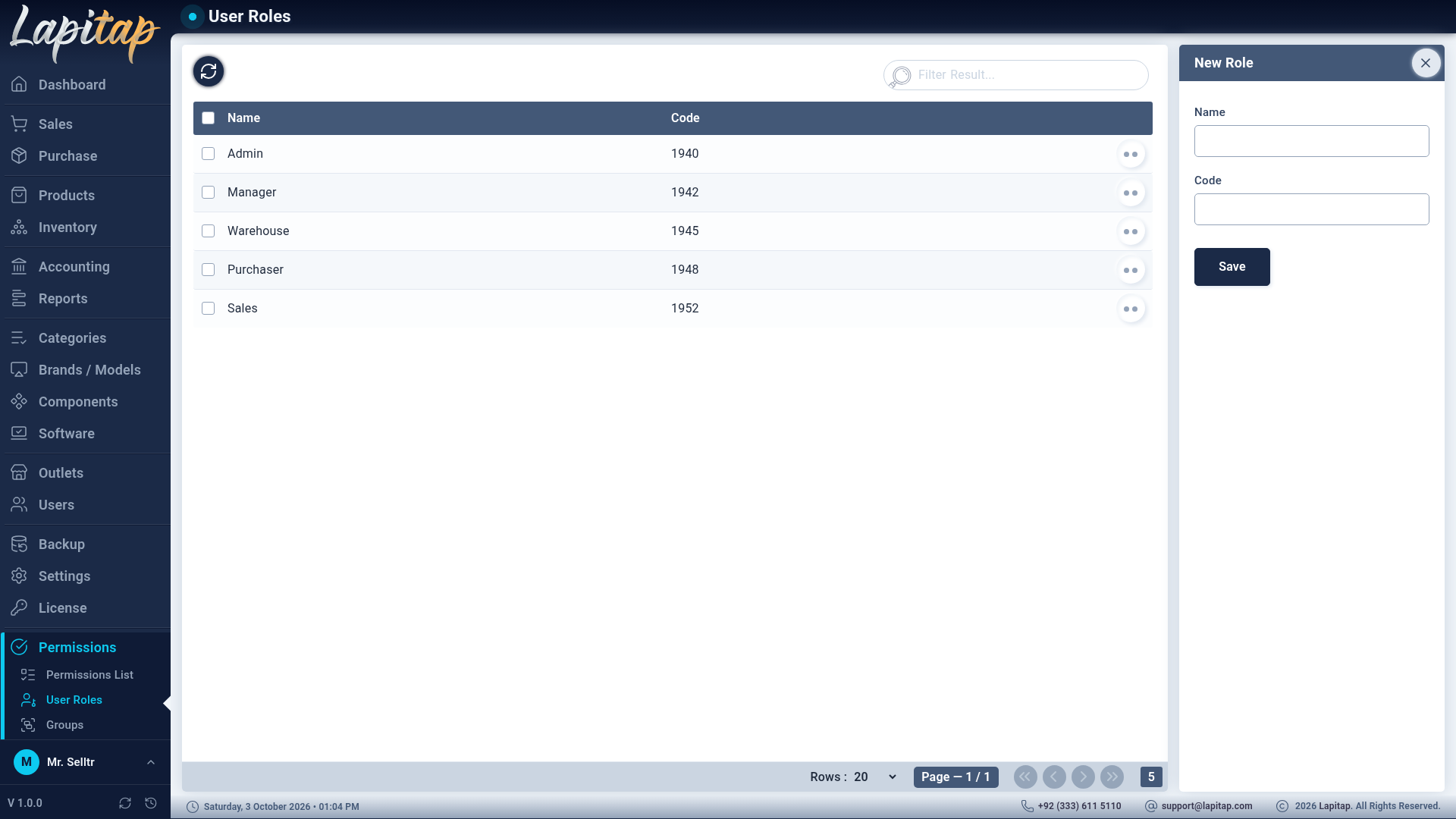
| User Roles | 560 (561 · 562 · 563) | Named sets of permissions |
| Groups | 570 (571 · 572 · 573) | Folders that organise the permission list (name + code) |
Giving a role access#
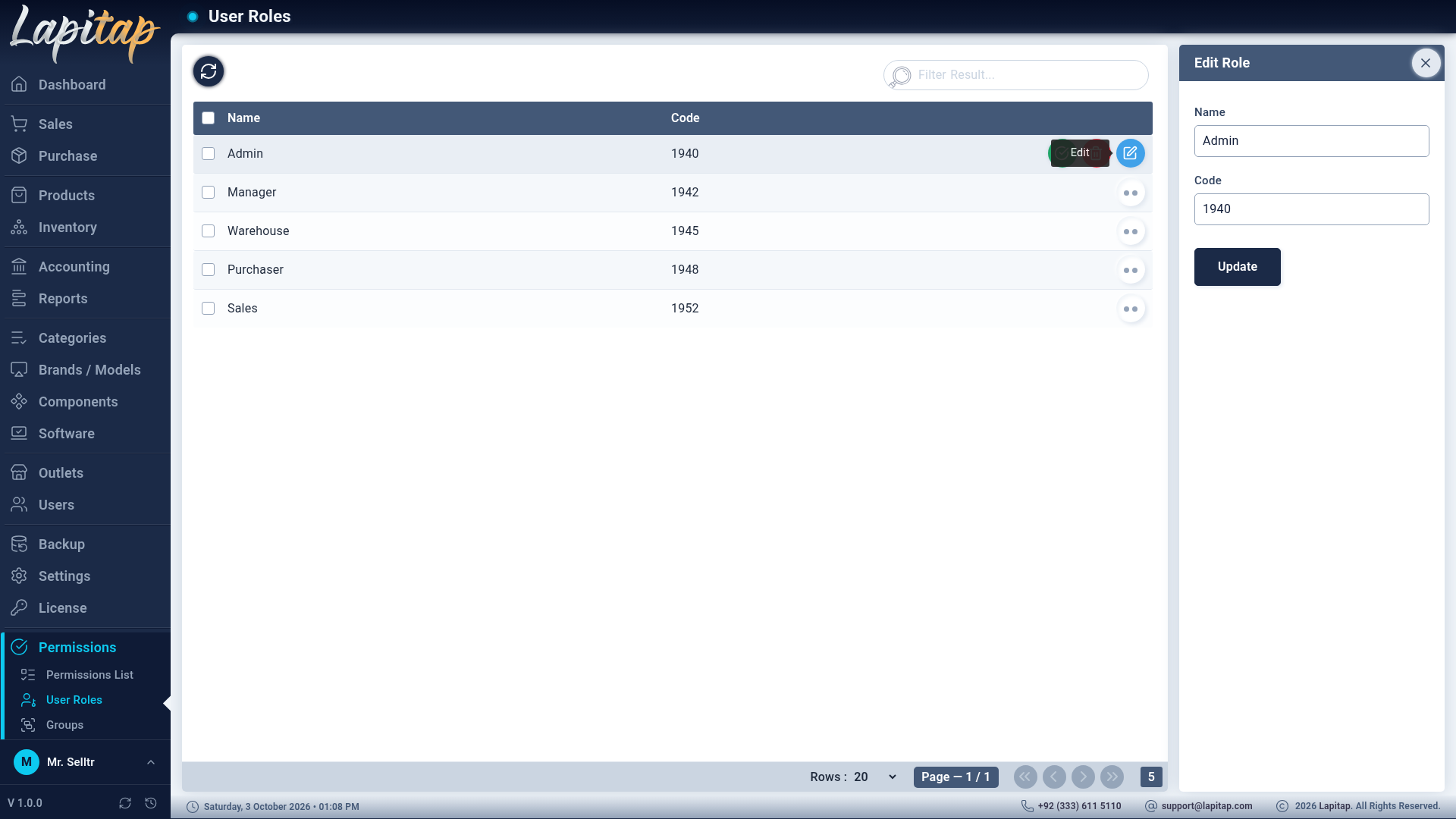
- Permissions → User Roles → +, give the role a Name and Code.
- Use the Permissions icon on the role row. A pop-up shows the whole catalogue grouped by group, with the role's current permissions ticked.
- Tick or untick and save — saving replaces the role's permission set.
- Assign the role to users (Users).
How it behaves#
- Menus: an item is visible if the user holds any of its codes; a parent shows when any child is allowed.
- Pages: a page you may not open appears as "not found".
- Buttons: show only when the code is held. Where two codes are needed (e.g. price: 207 and 208) the user needs both.
- Server: every request is checked again server-side, so hiding a button is not the only protection. Row access is also limited by outlet.
- 999 is the super-admin capability: Licence, Factory restore and installing updates.
Practical roles#
Typical split: Cashier (sales create, collect payment, laptops list, add to cart); Store manager (inventory, move, prices, purchases view); Accountant (accounting, reports, payments verify); Owner (everything, including 999). The full code list is in Permission codes.
IMPORTANT
Give the smallest set that lets a person do their job. Money-moving codes — verify / bounce / cancel, refunds, owner transactions, delete — belong to few people.
After an update adds a screen#
A release may introduce a new code (Buy-Ins did). It must exist in the Permissions List and be ticked on the roles that should use it. The release notes say when a manual step is needed.